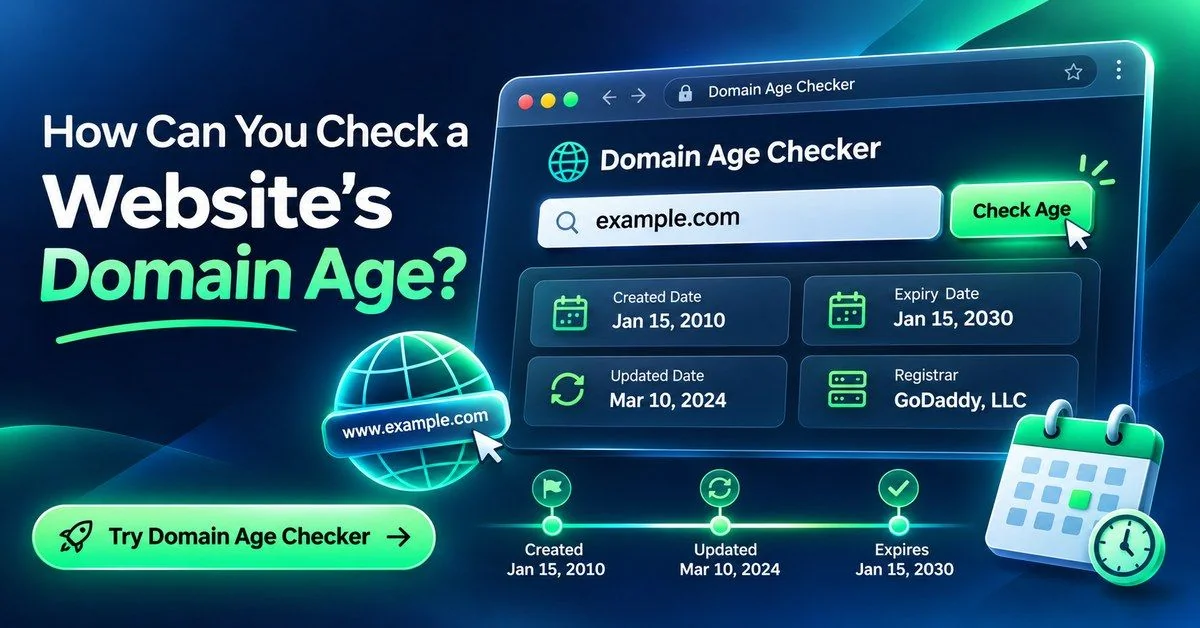
You can check a website’s domain age by entering its domain into a domain age checker. Read the registration date and any available update, expiry and registrar information. For a fuller picture, compare those records with archived pages to see when the website was already online.
Key Takeaways
- Domain age is calculated from the creation date in the current registration record, not the day the website went live.
- An old domain can host a new business or a completely different website.
- Deletion followed by re-registration can produce a newer creation date; renewal or a normal transfer generally does not.
- The earliest archive capture proves a page existed by that date, not that it launched that day.
- Age alone does not prove trustworthiness or SEO strength.
If you’re researching a competitor, checking a seller’s history, or reviewing a domain before buying it, a date lookup is a useful starting point. It provides evidence to investigate, rather than a verdict about the site.
How to Check a Website’s Age for Free
Start with the registration timeline, then investigate the website’s content history separately.
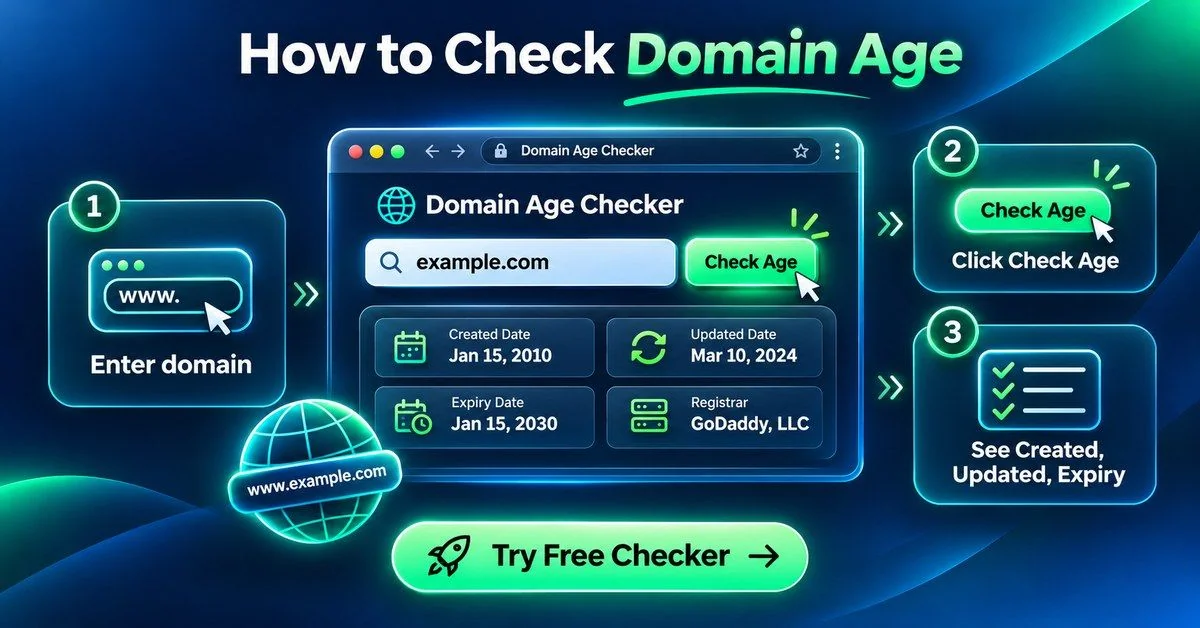
Step 1: Open the Domain Age Checker
Go to the Online Website Tools Domain Age Checker.
Step 2: Enter the Domain Name
Use the registered domain, such as example.com, instead of a page path. A subdomain such as shop.example.com normally has no separate domain-registration age. For country-code names, the registered domain may include an extra label, such as example.co.uk.
Step 3: Run the Lookup
Run the check and review the returned fields. Creation date, last update, expiry and registrar may be available, but some registries publish fewer details. A blank field is not proof that the domain is unregistered.
Step 4: Read the Dates Carefully
Use the creation or registration event for age. Don’t substitute an updated date, transfer date or expiry date. If the record contains a registration timestamp, compare it with the date of your lookup. For example, a domain created on November 19, 2016 reaches ten years on November 19, 2026.
What’s the Difference Between Domain Age and Website Age?
What Domain Age Means
Domain age usually means the elapsed time since the creation date in the current registry record. That record may not preserve every earlier registration of a name that was deleted and registered again.
What Website Age Means
Website age refers to when the particular site, business or project began operating online. There is no single public database that reliably records every website’s launch date.
Why the Two Dates Can Be Different
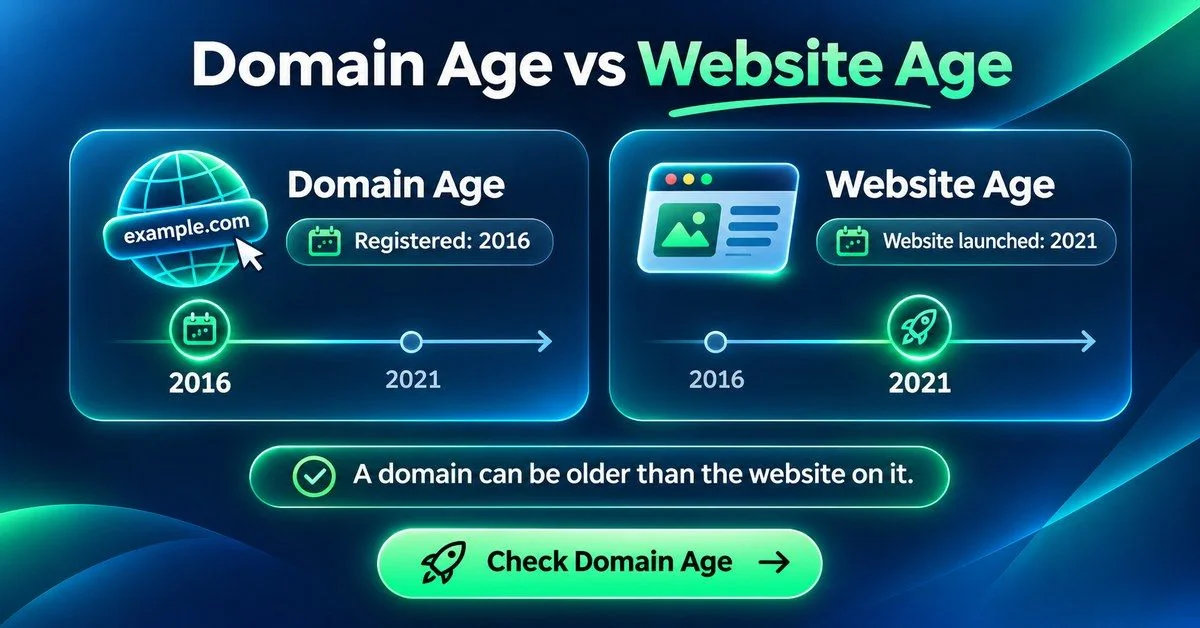
A domain may sit unused, be parked, change owners or be repurposed. A name registered in 2016 might host a business that launched in 2021. A business can also predate its current domain after moving from another address.
| Term | What it tells you |
|---|---|
| Domain age | Time since the creation date in the available registration record. |
| Website age | How long the particular website has existed, supported by historical evidence. |
| Updated date | A later change to the domain record. |
| Expiry date | The recorded end of the current registration period. |
How to Cross-Check a Domain’s Registration Date
Use an ICANN registration-data lookup or the relevant registry’s lookup service. Look for the creation date or an RDAP event labeled registration, and compare it with the checker’s result.
What RDAP and WHOIS Records Do
RDAP provides structured registration data and was designed to replace WHOIS. For many domain endings it is the current lookup method. Availability, field names and disclosure vary across registries, particularly for country-code domains.
What Resets Domain Age?
A normal renewal, registrar transfer or ownership change generally preserves the existing registration’s creation date. Expiry alone does not necessarily reset it: a name may still be renewed or restored. If the registry deletes the name and someone registers it again, the new record can start a new creation date. Check archived evidence when older history matters.
How to Find Out When a Website First Went Live
Use the Wayback Machine
Enter the domain in the Wayback Machine and open early captures. Check what the page actually contains: a parking page is not evidence that today’s business was operating then. Try the www and non-www versions if one has little history.
Compare Snapshots With Domain Dates
If the record starts in 2016 and the earliest relevant capture is from 2021, you can say the domain dates to 2016 and the website was visible by 2021. You cannot conclude from that capture alone that the website launched in 2021. Earlier pages may not have been archived.
What If There’s No Archived History?
Missing captures do not prove a site is new. The Internet Archive explains that sites may be absent because crawlers did not discover them, could not access them, or because of exclusions. Look for dated announcements, earlier domain names and other independent evidence.
How to Read Domain Age Checker Results
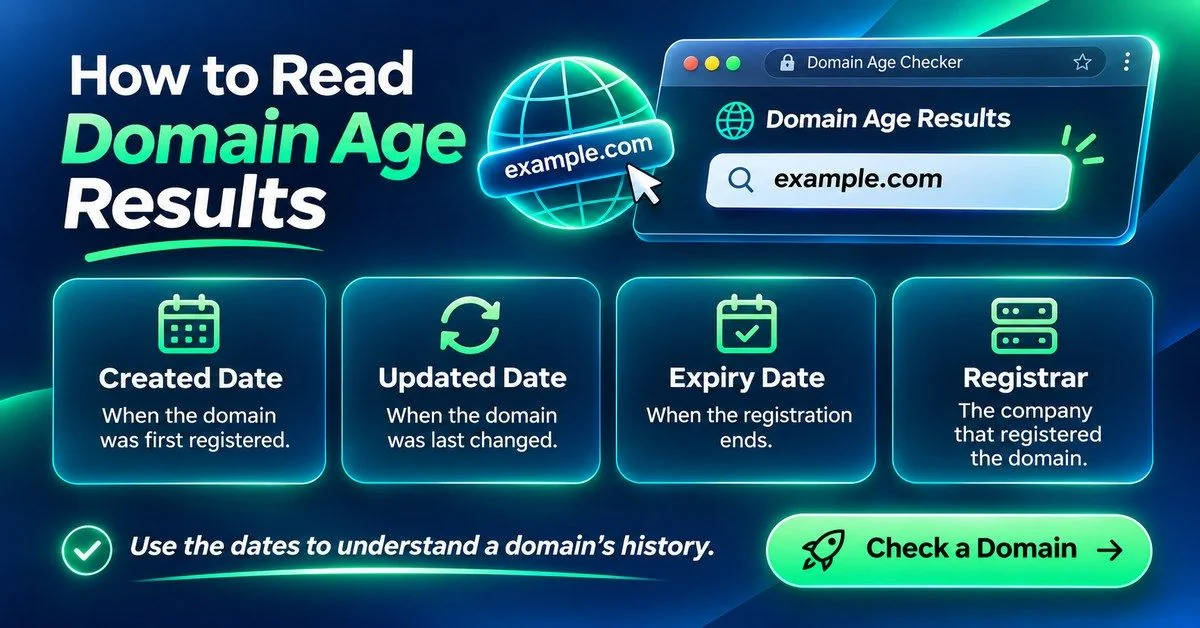
Created Date
The starting date recorded for the registration. It is not a verified business launch date or proof of uninterrupted ownership.
Updated Date
A record-level change, which may relate to renewal, nameservers, registrar information or another update. It is not necessarily the date the website’s content changed.
Expiry Date
The current registration expiry shown by the source. It does not guarantee the name will be available to buy that day: renewal, grace periods and registry processes can follow.
Registrar
The company managing the domain registration. This is not necessarily the website’s host, designer or owner, and it is not a trust score.
A Quick Example
Suppose a record shows creation in 2015, an update in 2024 and the first relevant archive capture in 2023. The record dates to 2015, but it does not show that the current business has operated since then. The capture shows what was visible by 2023; the update alone does not identify what changed.
Why Domain Age Matters
Domain age can help you examine a specific claim, compare a competitor’s history or investigate a domain’s past use. Pair it with archived content, independent business information and relevant links. Neither a new domain nor an old one is proof of a scam or a trustworthy business.
Does an Older Domain Rank Better?
Age alone does not establish SEO strength. Evaluate useful content, technical accessibility, relevant links and historical use. An old registration does not guarantee good rankings or transfer the reputation of a previous business.
Problems You Might Run Into
- No creation date: the source may omit the field, be temporarily unavailable or limit requests. Try the registry directly later.
- Different dates in different tools: compare the exact field labels, data sources, timezone and lookup time. One result may be cached.
- An old-looking site on a young domain: investigate a domain move or deletion and re-registration.
- A new-looking site on an old domain: look for parking, ownership changes or a redesign in the archives.
- No archive captures: record the evidence gap instead of inventing a launch date.
FAQs
How can I find out how old a website is?
Check the domain’s registration date, then compare archived pages and dated launch evidence. These sources answer different questions.
Can I check domain age for free?
Yes. Use the free Domain Age Checker and cross-check important results with the registry or ICANN lookup.
Is domain age the same as website age?
No. A domain can be registered long before its website launches, or reused for a new project.
How do I find the original registration date?
Start with the public creation date. If the name was deleted and registered again, the current record may not reveal its earliest-ever registration. Historical evidence may be needed.
Does transferring a domain change its age?
A normal registrar transfer generally does not reset the creation date. Deletion followed by a fresh registration is a different event.
Final Thoughts
Start with the registration record, then use archive history to understand the website built on that domain. Keep the dates and their meanings separate, and be clear about what the evidence cannot prove.
Try the free Domain Age Checker.